How to make a power hour from scratch?
Building a power hour used to take a long time and often required switching back and forth between an app and YouTube. Now, it takes less time and can actually be fun.
Jump to section
Start a new power hour
Open Create a Power Hour and give it a name. There is no sign-up wall for your first. You can build, play, and share it without an account. Your work is saved in the browser as you go, so you can close the tab and come back to it. Just make sure not to clear your browser data!
Choose how long each song plays
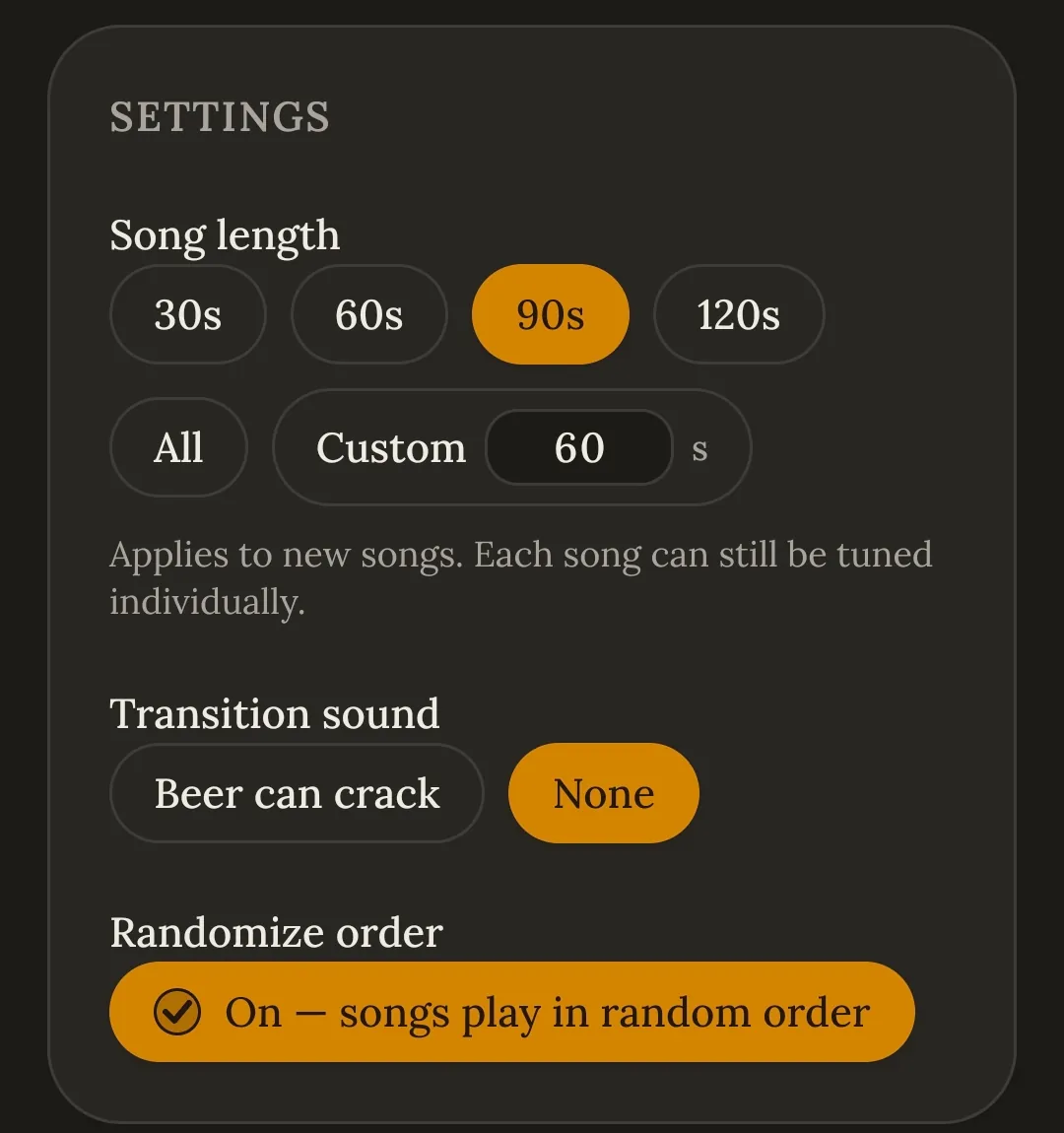
In Settings, choose Song length (30s, 60s, 90s, 120s, All), or a custom number of seconds.
Transition sound plays a specified sound between songs. Randomize order shuffles on every playthrough.
Song length applies to songs you add next. Change it later and you will have the option to apply it to ones already added.
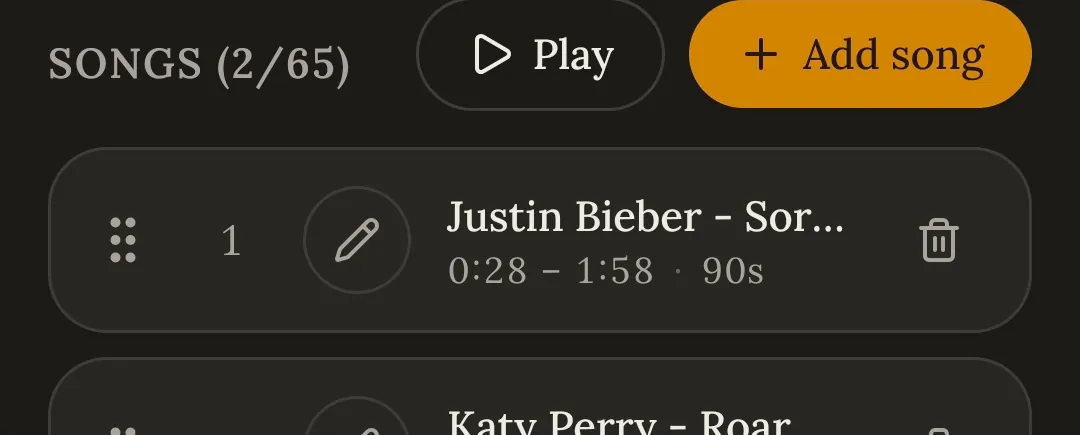
Tap Add song to begin adding clips.
Find your songs
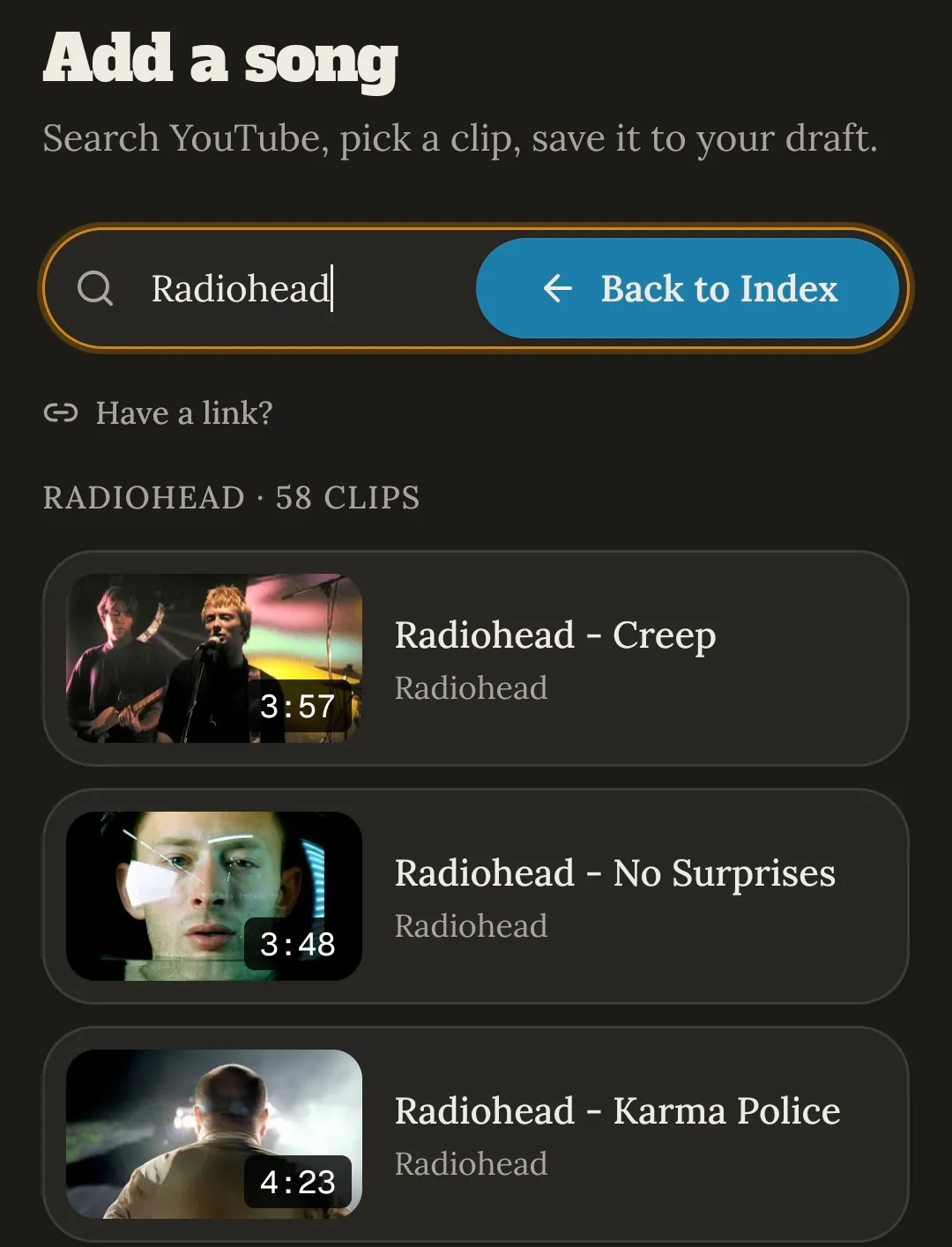
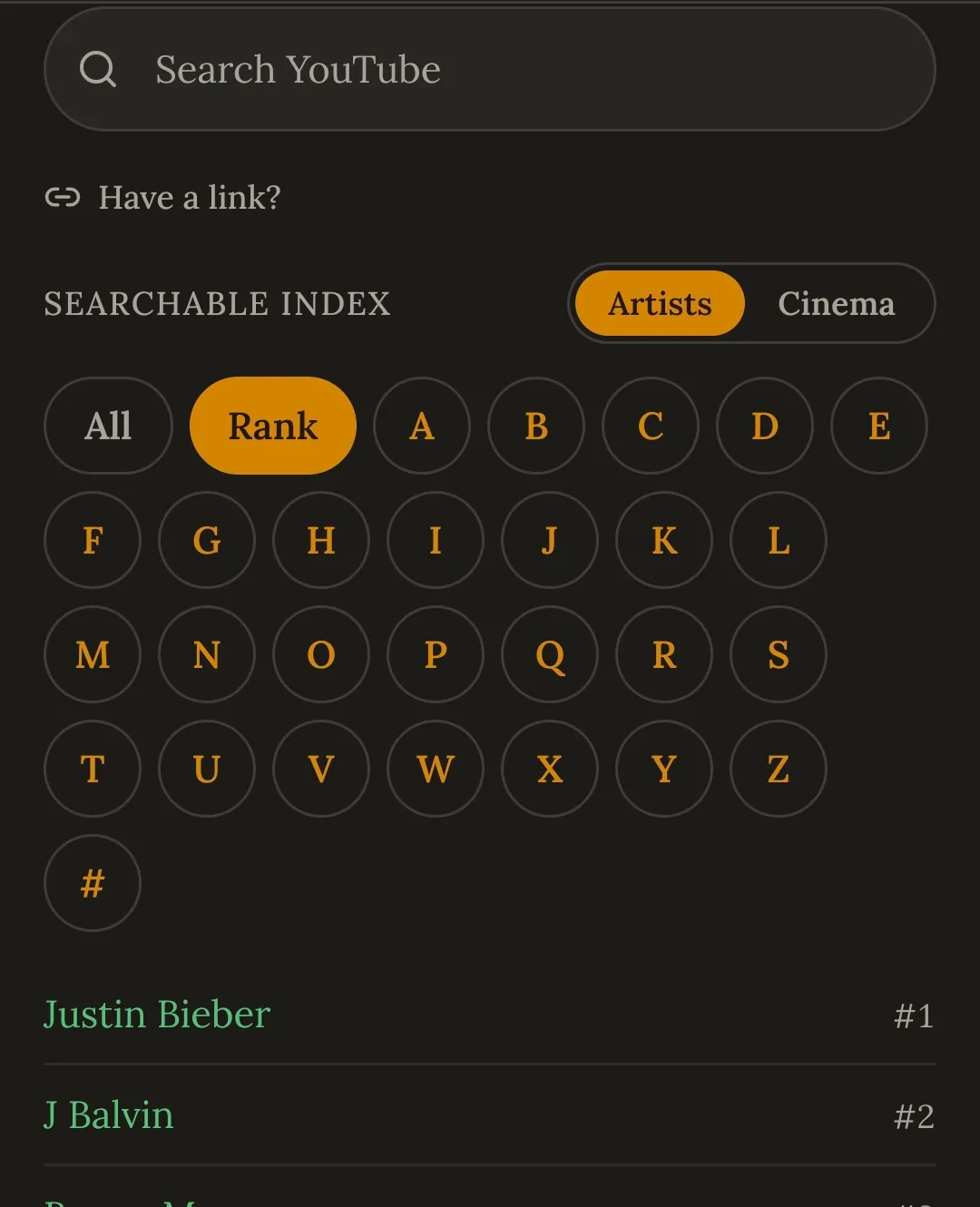
Easily search YouTube inside the app. No switching tabs. If you already have a video in mind, Have a link? takes a pasted URL.
There is also a browsable index if you need inspiration. Flip through artists by letter or by trending ranked popularity.
Clip each song to the good part
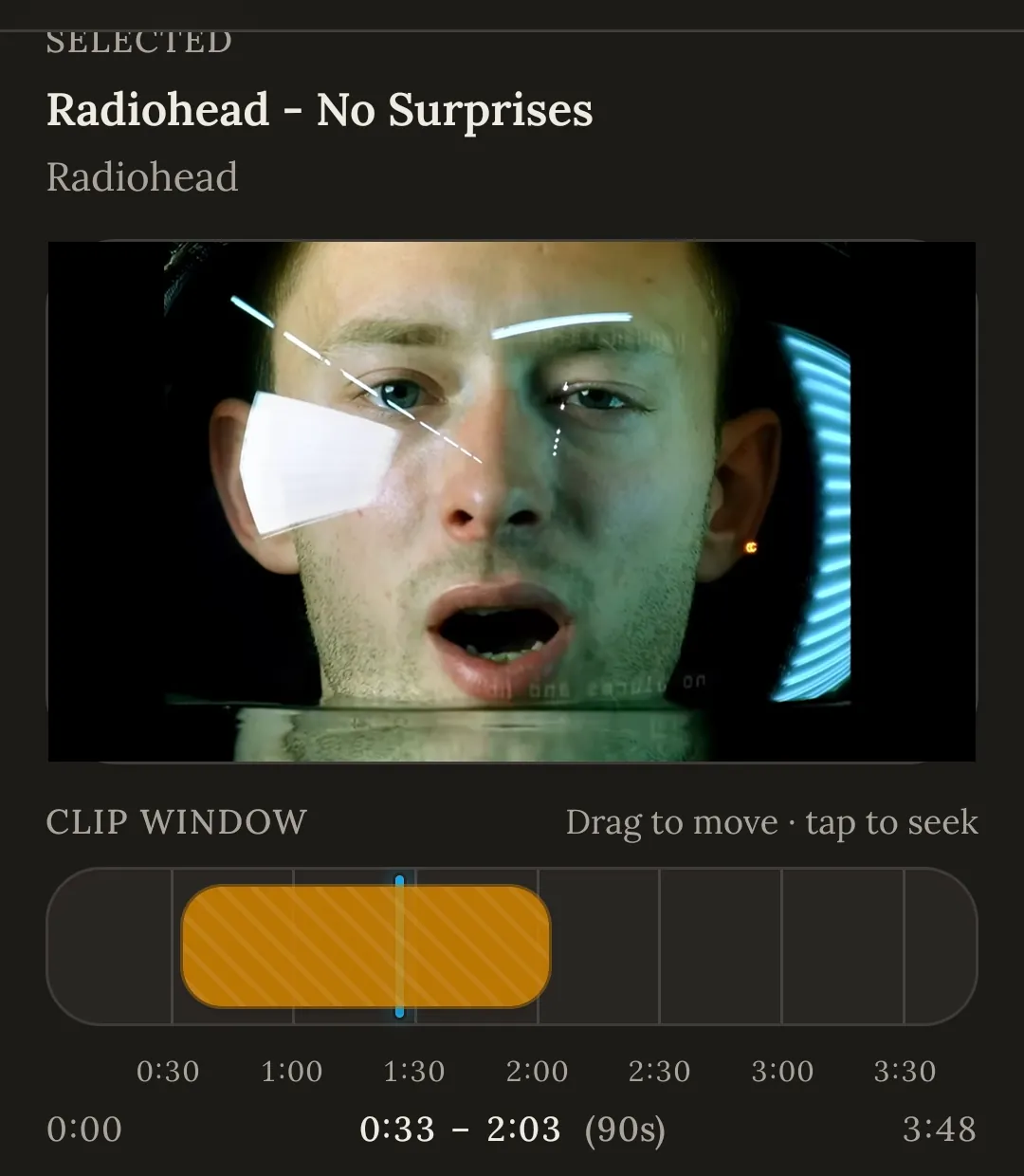
Pick a video and a clip window appears over the timeline. Drag it to set where the clip starts and ends, tap the bar to seek, and preview before you commit. The readout shows the exact in and out points.
Once you have the perfect clip, click Add to power hour and repeat, up to 65 songs.
Play it
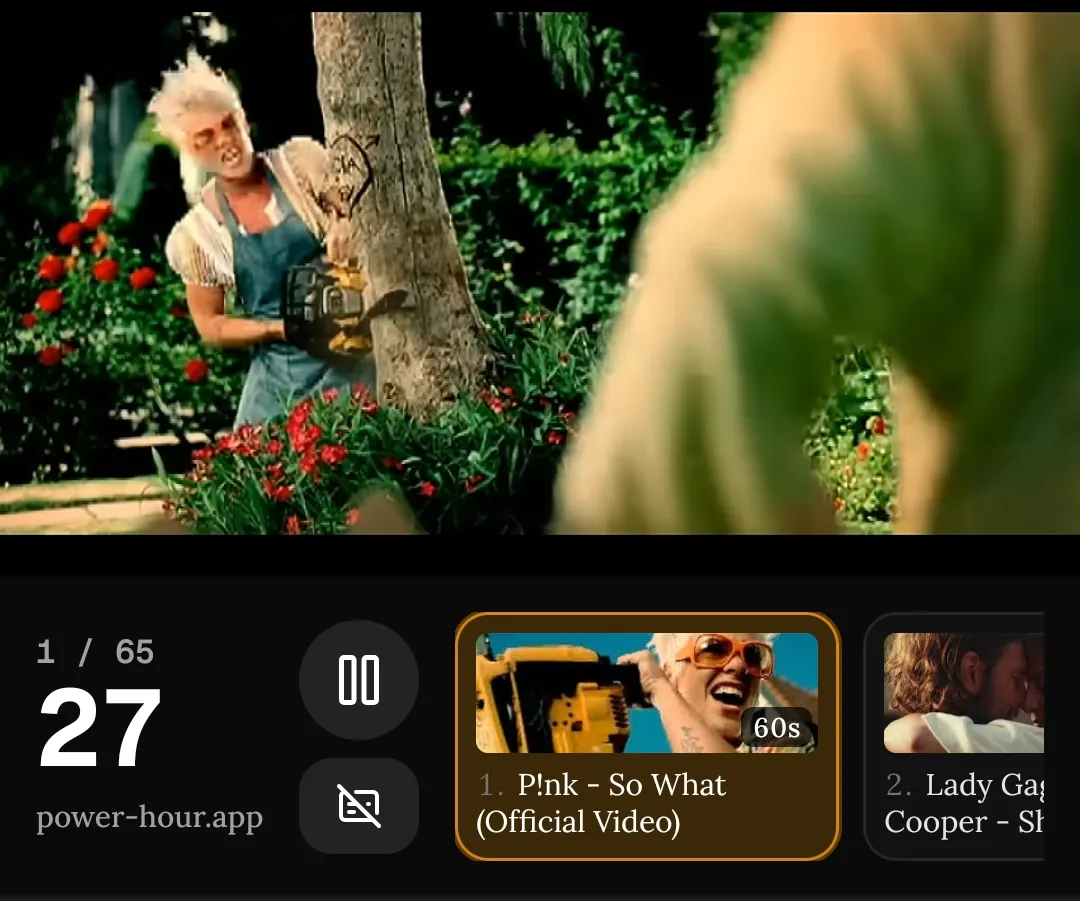
Press Play when you’re ready to kick back and enjoy. Clips can run either sequentially or random with the transition sound (if any) between them, a countdown to the next change, and the next song(s) queued up. You can pause or jump around the different songs on the bottom carousel, or click the full screen button to hide everything but the video and counters.
Getting it onto a TV via HDMI, Chromecast or AirPlay is covered in the FAQ.
Save it and send it round
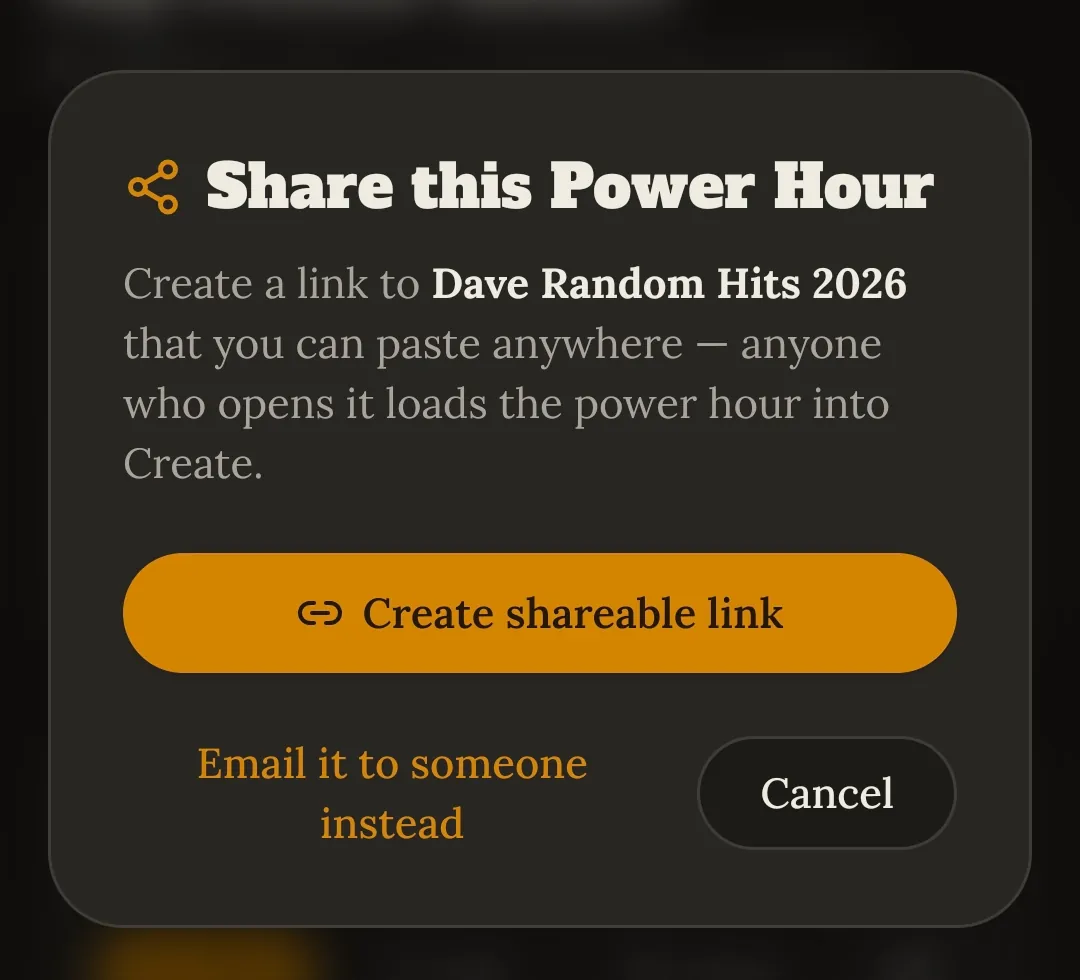
Share gives you a link to paste anywhere, or send it via email. Whoever opens it gets a link to the power hour ready to play. No account needed.
Save allows you to store it on your account, so it is available on any device. Creating, playing and sharing are free; saving uses a slot.
How many songs do you need?
Don’t feel like you need to adhere to the traditional 60 songs for 60 minutes. 90 seconds can allow the songs to breathe and make for a better listening experience.
Feel overwhelmed by 60 songs? Do 15 and share it with a friend! They can do 15 and punt it back or send to someone else. The final version can be shared again to all.
What makes a good power hour song?
One minute is not long, so the clip has to earn its place immediately. A few things that reliably work:
- Time the hook. Make sure the memorable part lands somewhere in the middle or end.
- Choose songs people know. A power hour is a group activity, and recognition is most of the fun. Deep cuts are better in small doses.
- Let people contribute. Ask everyone for five songs, then have the room guess who picked what during playback.
Ready to build one?
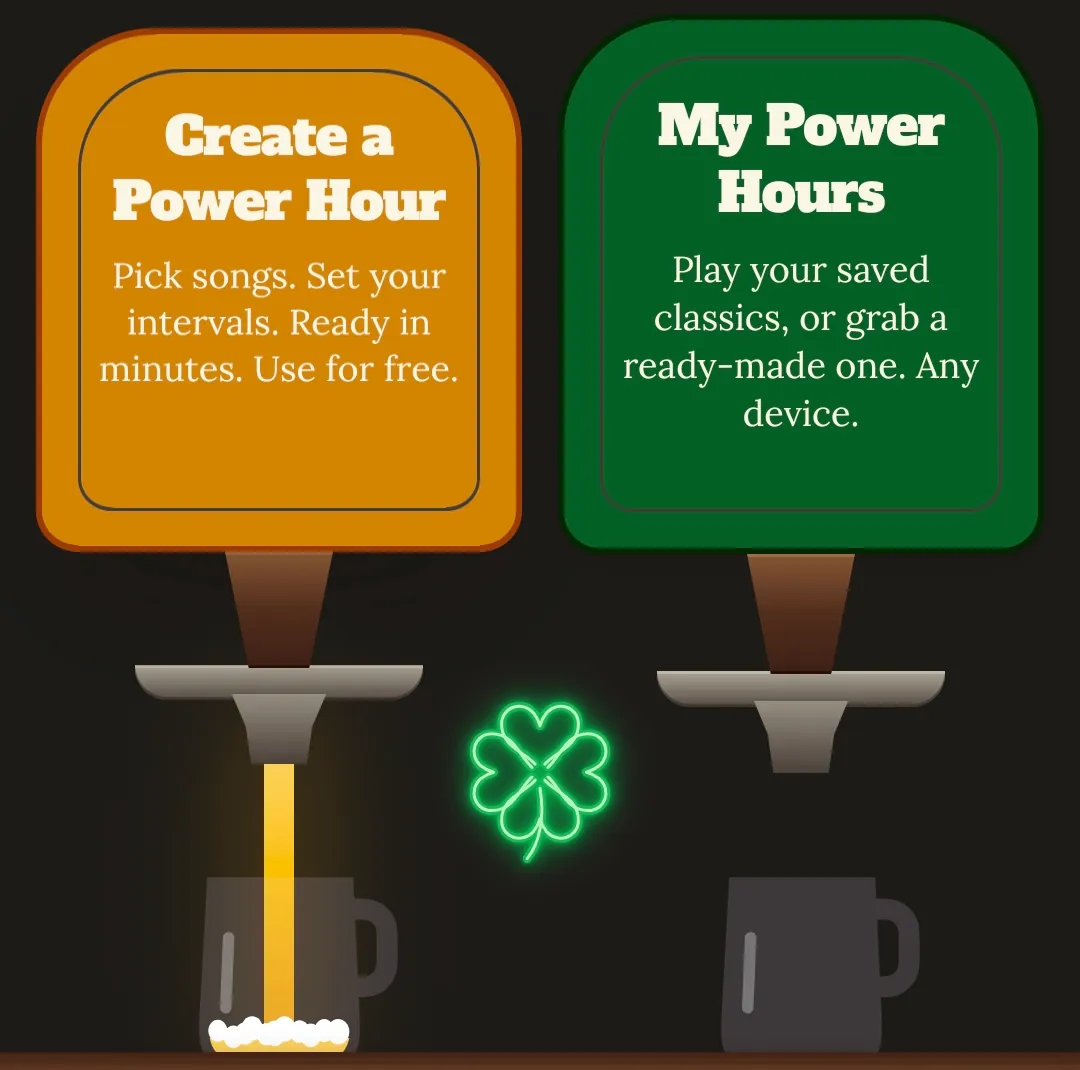
Click create below to get started. Short on time? The pre-made power hours are already clipped and ready. Press play, or load one into the editor and make it yours.
Still have questions? Read the FAQ